
Website Design Tips to Attract More Visitors: A Complete Guide
Introduction
A website is one of the most important parts of an online business. It helps people learn about a brand, explore products, and understand services. But simply creating a website is not enough. Your website should also look attractive, work smoothly, and give visitors a good experience.
Imagine visiting a website that has confusing menus, slow loading pages, and too many colours. You may leave without exploring anything. This is why website design plays an important role in attracting and keeping visitors.
A good website design makes information easy to find and helps people trust your business. It also creates a strong first impression.
In this blog, we will explore 12 useful website design tips that can help you attract more visitors and improve your online presence.Website Design Tips
1. Choose a Simple and Clean Design
A clean website design makes it easier for visitors to understand your content. Avoid adding too many colours, images, animations, and unnecessary elements.
Keep your website layout simple and organized. Use enough space between sections so visitors can read the information comfortably.
A simple design also helps people focus on the most important parts of your website.
Tips:
- Use a clean website layout.
- Avoid unnecessary design elements.
- Keep sections organized.
- Use enough white space.
- Highlight important information.
Remember, a beautiful website does not need too many decorations. Sometimes, simplicity creates the strongest impression.
2. Use Attractive Colours and Fonts

Colours and fonts are important parts of website design. They help create your brand identity and make your website visually interesting.
Choose colours that match your business style. For example, blue can create a professional feeling, while green is often associated with nature and freshness.
Use readable fonts that look good on both mobile phones and computers.
Tips for choosing colours and fonts:
- Select two or three main colours.
- Use readable font styles.
- Maintain good colour contrast.
- Keep heading styles consistent.
- Avoid using too many different fonts.
The right combination of colours and fonts makes your website look professional and attractive.
3. Make Your Website Mobile-Friendly
Many people visit websites using smartphones. Therefore, your website should work properly on different screen sizes.
A mobile-friendly website automatically adjusts its layout to fit mobile phones, tablets, and computers. Visitors should be able to read content, view images, and use buttons without difficulty.Website Design Tips
Mobile-friendly design tips:
- Use a responsive website theme.
- Keep text easy to read.
- Make buttons easy to click.
- Use mobile-friendly menus.
- Avoid oversized images.
- Test your website on different devices.
A good mobile experience helps visitors explore your website anytime and anywhere.
4. Improve Website Loading Speed
Website speed is an important part of user experience. Visitors usually prefer websites that load quickly.
If your website takes too long to open, people may leave before viewing your content. A fast website helps visitors move between pages smoothly.
You can improve website speed by compressing images, removing unnecessary plugins, and choosing reliable hosting.https://www.bluehost.com/in/special/ab/sem/web-hosting
Tips to improve website speed:
- Compress large images.
- Use optimized image formats.
- Remove unnecessary plugins.
- Choose reliable web hosting.
- Reduce unnecessary scripts.
- Check your website performance regularly.
A fast website respects visitors’ time and makes browsing more enjoyable.
5. Create Easy Website Navigation
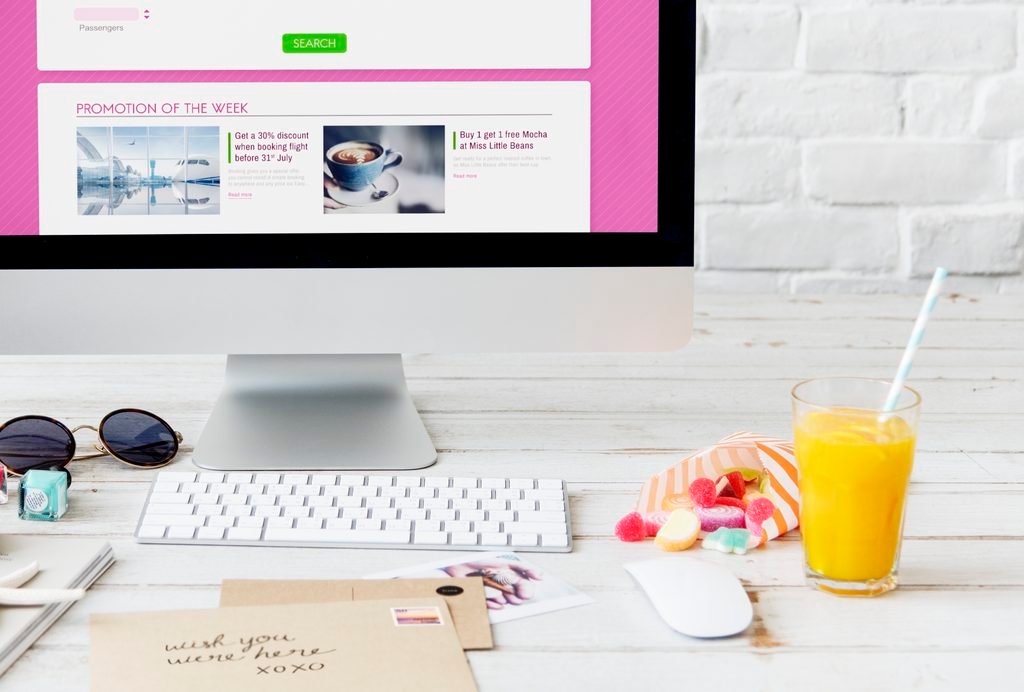
Website navigation helps visitors find the information they need. If your website menu is confusing, visitors may struggle to explore different pages.
Create a simple menu with clear sections such as Home, About, Services, Blog, and Contact.
Make sure every important page is easy to reach.
Navigation tips:
- Use simple menu names.
- Keep the menu organized.
- Add links to important pages.
- Make your logo clickable.
- Avoid too many menu options.
- Check that all navigation links work.
Good navigation turns your website into an easy place to explore.
6. Use High-Quality Images
Images make your website more attractive and help explain your services. Good images can also make your website look more professional.
Choose images that are connected to your business and website content. Avoid using blurry or unrelated pictures.
For example, a digital marketing website can use images related to SEO, social media marketing, content creation, and Website Design Tips.
Image design tips:
- Use clear and relevant pictures.
- Choose suitable image sizes.
- Compress images before uploading.
- Add descriptive ALT text.
- Maintain a consistent image style.
The right image can explain an idea faster than a long paragraph.
7. Write Clear and Useful Website Content
Website content helps visitors understand your business, products, and services. Even the best design may not be effective if the content is confusing.
Use simple language and short paragraphs. Explain what you offer and how it can help your customers.
For example, your homepage should clearly introduce your business and guide visitors towards your services.
Content tips:
- Write simple and clear sentences.
- Use attractive headings.
- Highlight important information.
- Avoid unnecessary long paragraphs.
- Add useful information to every page.
- Check spelling and grammar.
Good content and good design work together to create a better website experience.
8. Add Clear Call-to-Action Buttons
A call-to-action (CTA) is a button or link that encourages visitors to take a particular action.
Examples include:
- Contact Us
- Learn More
- Get Started
- View Services
- Read More
Place CTA buttons where visitors can easily notice them. Use clear words that explain what will happen when someone clicks.
For example, adding a “Contact Me” button on your portfolio homepage makes it easier for potential clients to reach you.
A good call-to-action helps turn website visitors into enquiries and potential customers.
9. Make Your Website SEO-Friendly
SEO stands for Search Engine Optimization. It helps your website become more visible in search engines like Google.
A well-designed website should also be easy for search enginesto understand.
Use relevant keywords in your page titles, headings, and content. Add descriptive image ALT text and create useful internal links between related pages.Website Design Tips
Basic website SEO tips:
- Choose relevant keywords.
- Write unique page titles.
- Add useful meta descriptions.
- Organize content with headings.
- Use internal links.
- Create mobile-friendly pages.
- Publish helpful blog content.
Good website design and SEO together can help more people discover your website.
10. Add Customer Reviews and Testimonials
Customer reviews help visitors understand other people’s experiences with a business. They can also build trust with potential customers.
If you have genuine customer feedback, display it on your website with permission.
You can create a separate testimonial section on your homepage or services page.
Tips for using testimonials:
- Share genuine customer feedback.
- Keep reviews short and clear.
- Get permission before publishing names or photos.
- Use an organized review layout.
- Avoid creating fake reviews.
Honest reviews make your website more trustworthy and help visitors feel confident.
11. Create a Strong Homepage
Your homepage is often the first page visitors see when they open your website. It should quickly explain who you are, what you do, and how visitors can contact you.
A good homepage should have a clear introduction, attractive design, important services, and contact information.
Important homepage sections:
- Business name and logo.
- Short introduction.
- About section.
- Services section.
- Featured blog posts.
- Customer testimonials, if available.
- Contact button.
Your homepage should welcome visitors and guide them towards the information they need.
12. Keep Your Website Updated
Website design is not something you finish once and forget. You should check your website regularly and make improvements when needed.
Old information, broken links, and outdated images can create a poor impression.
Update your content and check whether every page works properly.
Website maintenance tips:
- Update old information.
- Fix broken links.
- Add new blog posts.
- Check website speed.
- Update images when necessary.
- Test your website on different devices.
- Keep website software and plugins updated.
Regular maintenance keeps your website useful, secure, and attractive.
Common Website Design Mistakes to Avoid
Some website design mistakes can make visitors leave your website. Here are a few things you should avoid:
- Using too many colours and fonts.
- Adding too many animations.
- Using low-quality images.
- Creating confusing navigation menus.
- Ignoring mobile users.
- Writing difficult and lengthy content.
- Adding too many pop-ups.
- Using broken links and buttons.
Avoiding these mistakes helps create a better experience for your visitors.
Benefits of Good Website Design
Good website design offers several benefits for businesses and website owners.
1. Creates a Good First Impression: An attractive website helps visitors understand your brand.
2. Builds Customer Trust: A professional design makes your business look more reliable.
3. Improves User Experience: Simple navigation and clear content make browsing easier.
4. Attracts More Visitors: SEO-friendly design can help people discover your website through search engines.
5. Increases Customer Enquiries: Clear service information and contact buttons encourage visitors to connect with your business.
6. Supports Business Growth: A good website helps your business build a stronger online presence.
Conclusion
A good website is more than just beautiful colours and attractive pictures. It should be simple, fast, mobile-friendly, and easy to use.
By choosing the right colours, using quality images, creating useful content, improving navigation, and following SEO practices, you can build a website that attracts more visitors.
Always remember that visitors should feel comfortable when exploring your website. Give them useful information, make their journey simple, and create a reason for them to return.
Unique Thought: “A great website does not just show your business to the world; it gives every visitor a reason to stay, explore,and connecthttps://nidhacp.com/contact/me